
 Checkout our Youtube
 Join our Discord
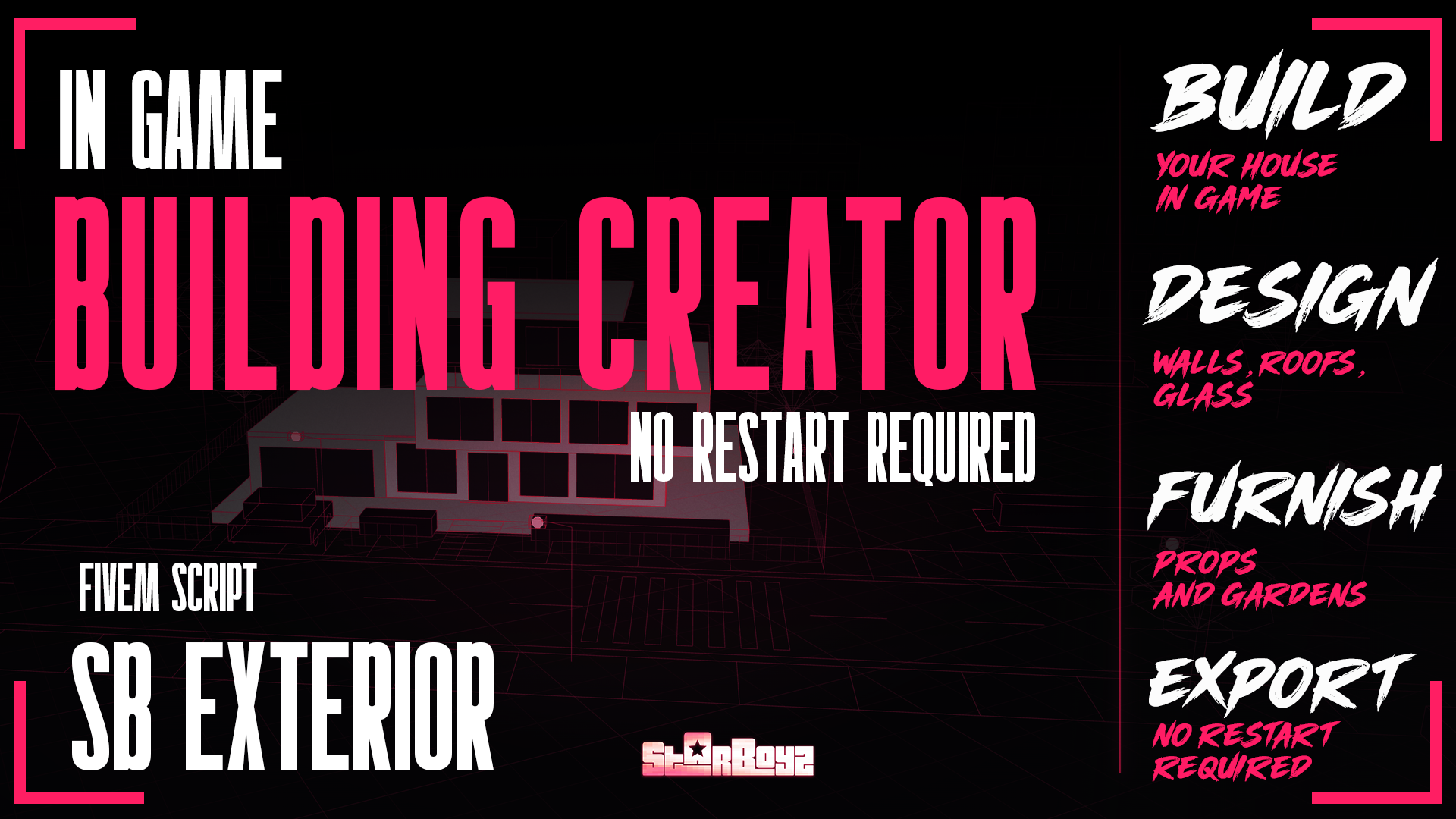
SB Exterior | Ingame Building Creator | Standalone
Youtube Preview : Overview Video
Youtube Preview : Timelapse Guide Video
Note : This uses FiveM Asset Escrow System
Description:
SB Exterior is a standalone in-game exterior builder for FiveM. Draw a plot anywhere, build walls, floors, roofs, fences, props and plants with a free camera, then press BUILD IN WORLD and the server streams your creation to every player with full textures and collision. No framework, no converting, no installing. Includes custom texture uploads, saved projects, eight UI themes, a built-in tutorial, ACE permissions
🚀 Features
- 🏗️ Build in-game by hand: walls, floors, roofs, porches, ramps, fences, signs, real GTA props and plants on any plot shape you draw
- 🌍 One-click BUILD IN WORLD: the server writes the game files itself and streams the build to every player with textures and collision
- 🧩 Fully standalone: no framework needed, works with ESX, QB or anything else, supports esx_skin, qb_clothing, illenium-appearance or a custom appearance event
- 🎨 Upload your own textures: pick, drop or paste a picture, fit and tint it, shared with every builder instantly and packed into the build on export
- 💾 Projects and My Builds: save and continue any project, then visit, edit or remove every build that is live in the world
- 🎓 Built-in tutorial: the studio builds a two-storey house by itself and shows every tool along the way
- ⌨️ Pro editing tools: hotbar, multi-floor editing, undo/redo, duplicate, move, rotate in 15° steps, wall visibility modes, walk-through and photo mode
- 🖥️ 8 UI themes, 6 hub styles, 8 backdrops: blackglass, noir, neon, velvet and more, with optional random hub style and weather
- 🔐 Permission and safety: its own ACE permission gates opening, saving, exporting and deleting, with a safe routing-bucket export flow
- 🌐 Fully translatable: every button, hint, dialog and message lives in one locale file, so a new language is one copied file away
Please read the Documentation for Further more Instructions
Documentation : Documentation
Important Notes
- To build an MLO (interior) inside your exterior, you need the SB Studio package. SB Studio
- The props folder is sent to you by mail as a separate download (about 1.5 GB).
- The studio loads a prop from it only when that prop is shown, so it costs nothing until it is used. It is fully optimized, so you don't need to worry about server usage.
- Configure your appearance system inside the sb_exterior > config script to ensure the Build and Edit features are fully supported. This must be done compulsorily to use the Build and Edit system in sb_exterior .
Permissions:
SB Exterior uses ACE-based permissions, so you'll need to configure access directly through your server's CFX settings before use.
No refunds - We are currently on no refund policy